ViraFlow
Shot 0100:00 — 00:01
Static medium shot, eye-level. The kitten giggles cheerfully while standing next to its toy motorcycle.
Analyze TikTok, Instagram Reel, YouTube, or uploaded videos, extract reusable prompt logic, and generate similar AI videos in one workflow.
Best for videos under 3 minutes. Longer videos may fail unless trimmed.
See how ViraFlow turns a winning short video into a video to prompt output with script logic, shot structure, and time-ranged Video Prompts for the next AI-generated video.
View a complete analysis caseSource Video
Original source context before the breakdown starts.
Shocking! The poor kitten has the Transformer !#shorts #cat #ai #story #kitten #autobots
Report Structure
Preview of the full structure breakdown.
A kitten's toy is crushed by a giant robot, leading a wealthy husky to mock him until the robot gifts the kitten a massive superbike for a final revenge.
Hook
00:00-00:04contrast claim or image that creates immediate tension.
Purpose: Create a reason to keep watching inside the first seconds.
Setup
00:04-00:08Clarify the premise fast so the viewer understands the stakes.
Purpose: Move from intrigue to orientation without slowing the pacing.
Escalation
00:08-00:12Stack evidence, progress, or visual novelty to keep momentum rising.
Purpose: Sustain attention with visible forward motion.
Close
00:12-00:16End on a concrete takeaway or repeatable pattern the viewer can reuse.
Purpose: Convert watch time into a memorable structure.
Transfer Notes
Reusable Prompt
Time-ranged Video Prompt preview.
Video Prompt Segments
Open the full report for script references, shot analysis, and the complete reusable prompt in one focused workspace.
Video to Prompt Canvas
Move from video analysis to storyboard images, video prompts, batch clips, and final outputs on one connected canvas.
ViraFlow includes an AI Video Studio where your video to prompt report, storyboard references, image prompts, generated clips, and next edits can stay together on one visual canvas.

Keep context
Turn a source video into connected script, shot, prompt, and reference blocks on one studio board.
Featured workflows
The hard part is rarely one prompt. It is keeping the reference, storyboard, product shots, generated clips, and next edits connected long enough to make something useful.
Keep the source video, reference frames, prompt notes, and generated results on the same board, so the next step never loses context.
Open workflowTurn connected shot notes and reference frames into video attempts, then keep the best result beside the source.
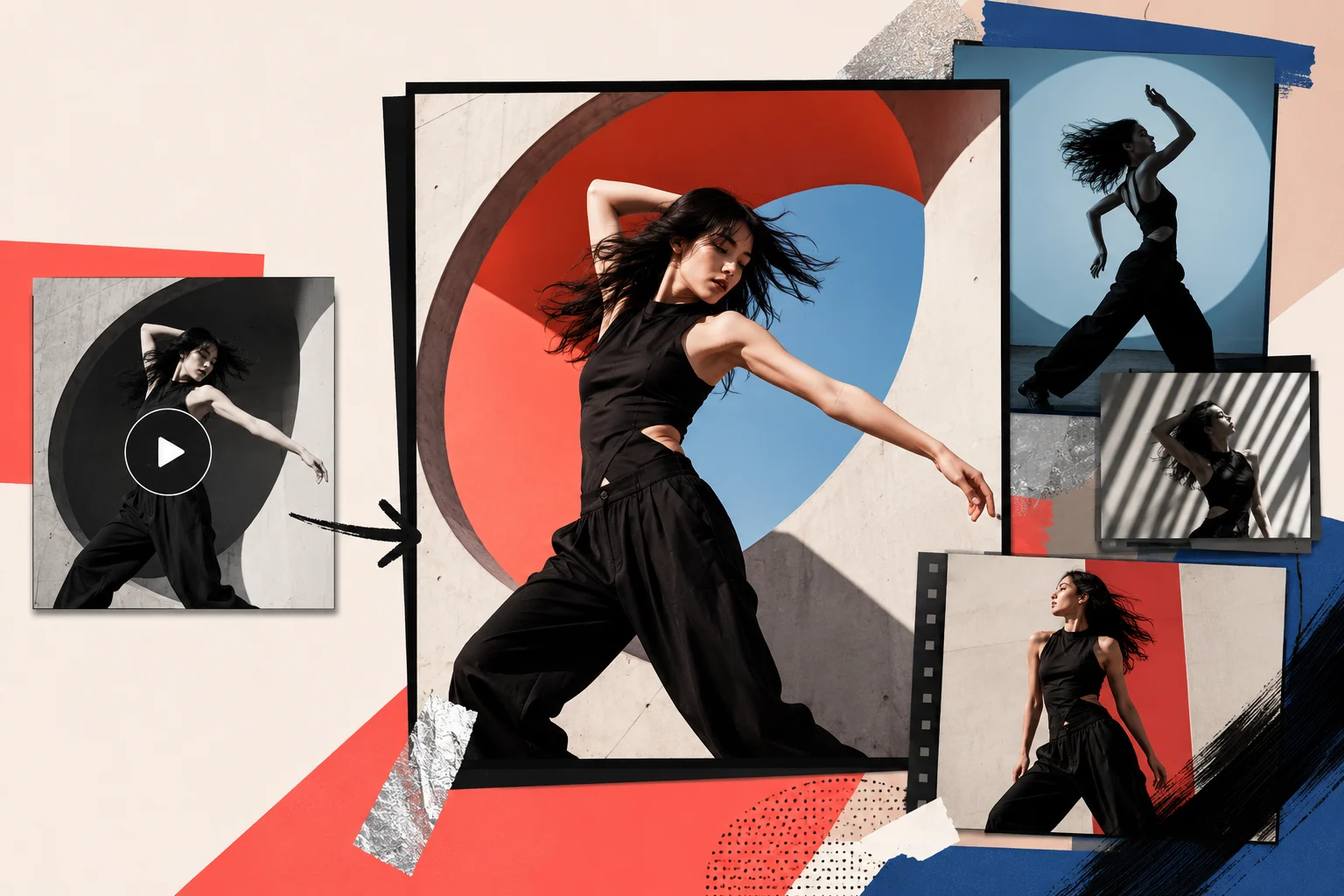
Open workflow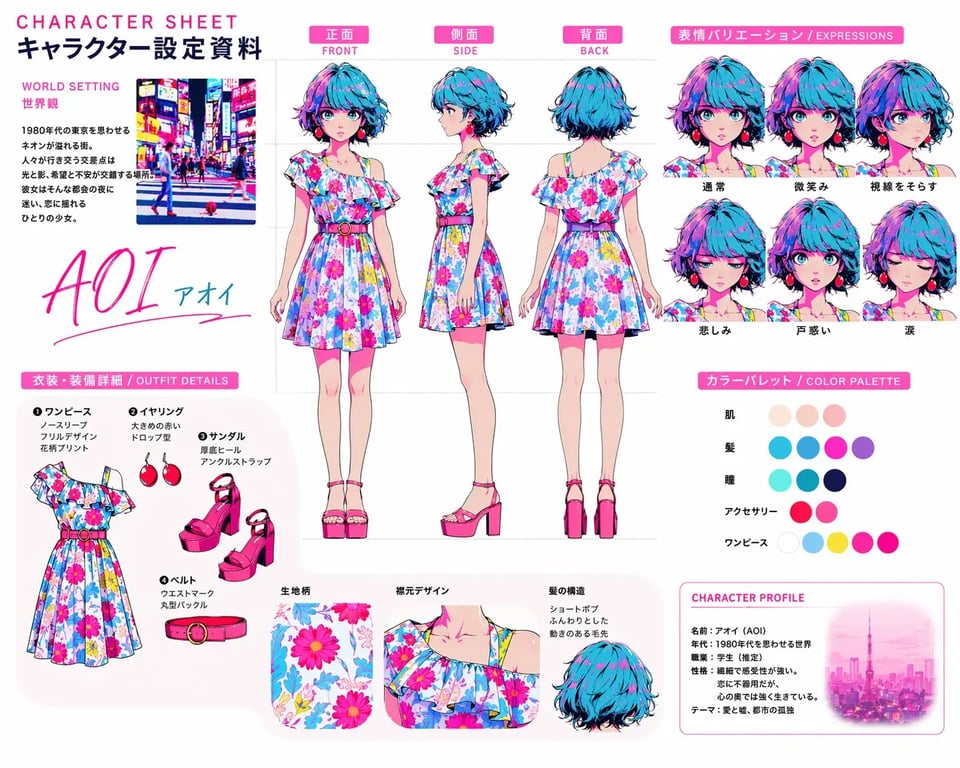
Create or edit clean visual frames first, then use those frames as stronger starting points for video generation.
Open workflowUse an existing clip as a motion reference, then continue into a new video without uploading the same source again.
Open workflow
Keep the prompt draft next to the visual output, so revisions are based on what changed, not memory.
Open workflowSave polished frames, clips, and prompts inside the project, then branch them into the next campaign or short.
Open workflowViraFlow is built around a creator workflow: analyze a proven reference, extract the prompt logic behind it, and turn that structure into clearer direction for a new AI video.
Start with a TikTok, Instagram Reel, YouTube reference, or upload your own video when you want to study an internal asset.
Review hooks, pacing, shot design, structure, and reusable narrative beats instead of relying on a one-line summary.
Turn the analysis into an editable prompt draft and creative brief for generating a similar video.
Move from analysis to AI video generation with a structure that has already proved itself.
See how one source video turns into a creator-ready video to prompt report with script extraction, logic breakdown, shot structure, script rewrite reference, and a Production Script for creating a similar AI video.
Turn the full analysis into an editable video to prompt output, with time-ranged Video Prompts you can adjust while keeping the structure, visual logic, and creative constraints ready for your next AI video.
Pull out spoken words, subtitles, and reusable on-screen language so the source script becomes editable material before you touch generation settings.
See how the hook, setup, escalation, and payoff are arranged so the structure stays reusable when you rewrite it for a new topic, character, or product.
Review the visual progression shot by shot, including timing, narration, function, and camera treatment, so the generated video can follow a clear visual plan.
Keep the core script pattern intact while swapping characters, locations, and goals for your own version, so the prompt stays specific instead of generic.
ViraFlow is not just a video summary tool or a blank AI video generator. It gives creators a bridge from proven viral structure to reusable prompt logic and a new video they can create next.
Pick the plan that fits your creation workflow.
For video creation beginners
$0.0125 / credit
Usage
Included
For video-making hobbyists
$0.0118 / credit
Usage
Included
For frequent creators
$0.0110 / credit
Usage
Included
Answers for creators who want to analyze viral videos, extract prompts, and generate similar AI videos.
Need deeper examples? Visit the case library or open a full analysis result to inspect the structure in more detail.
Use ViraFlow to analyze a strong reference, extract reusable prompt logic, and generate a similar AI video with clearer structure and less guesswork.
Featured On