ViraFlow
Keep context
Reference to Canvas
Turn a source video into connected script, shot, prompt, and reference blocks on one studio board.
Your references, prompts, screenshots, and generated clips should not live in five different places. Use one canvas to analyze a reference, plan the next version, generate new media, and keep the full workflow ready to reuse.
Keep context
Turn a source video into connected script, shot, prompt, and reference blocks on one studio board.
Featured workflows
The hard part is rarely one prompt. It is keeping the reference, storyboard, product shots, generated clips, and next edits connected long enough to make something useful.
Keep the source video, reference frames, prompt notes, and generated results on the same board, so the next step never loses context.
Turn connected shot notes and reference frames into video attempts, then keep the best result beside the source.
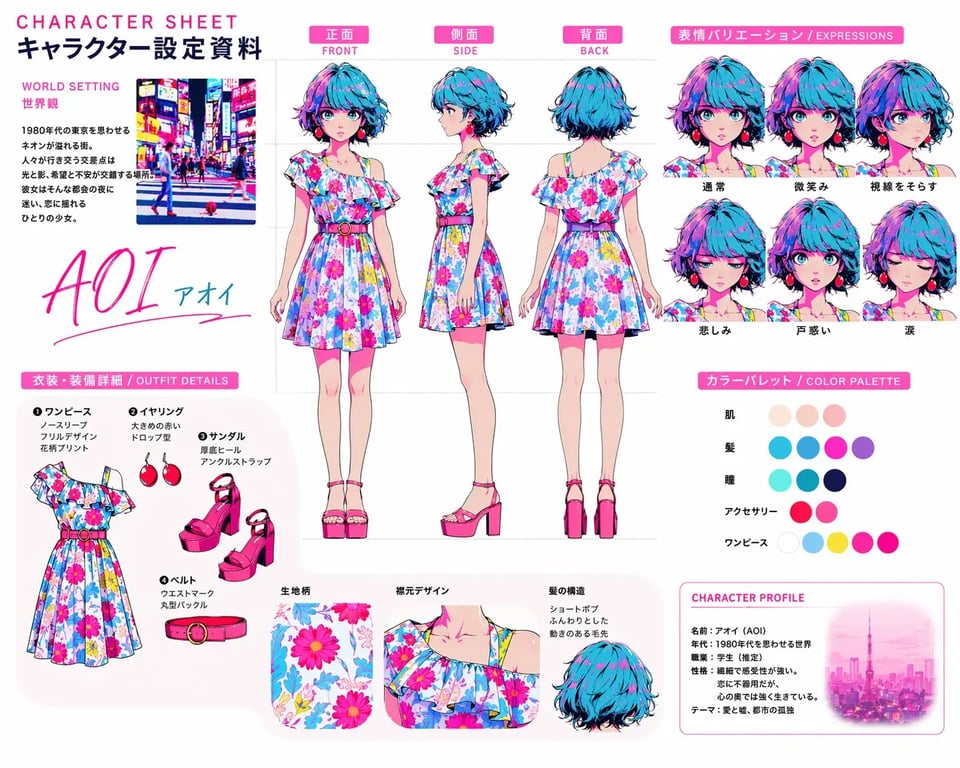
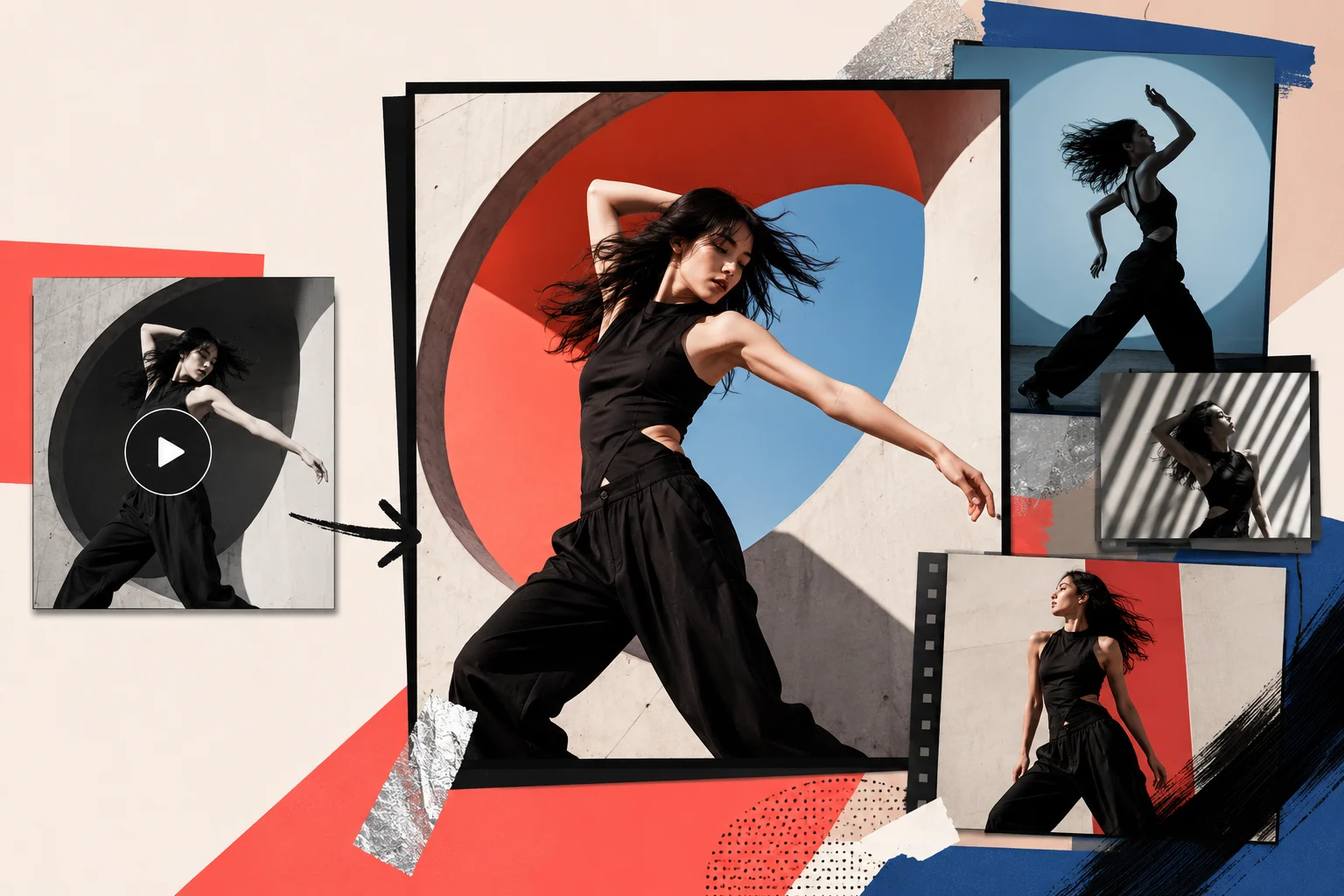
Create or edit clean visual frames first, then use those frames as stronger starting points for video generation.
Use an existing clip as a motion reference, then continue into a new video without uploading the same source again.
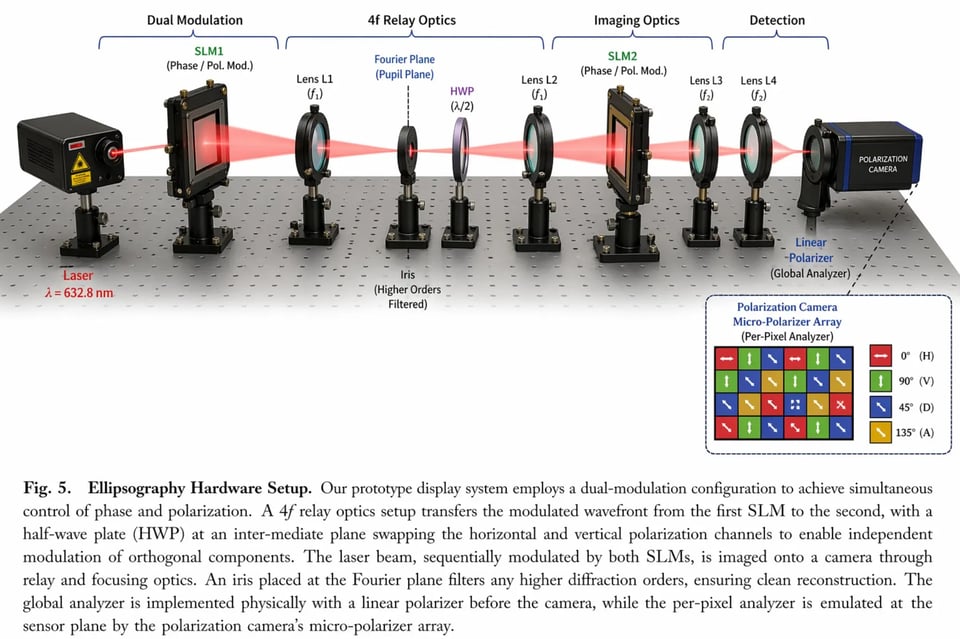
Keep the prompt draft next to the visual output, so revisions are based on what changed, not memory.
Save polished frames, clips, and prompts inside the project, then branch them into the next campaign or short.
AI video canvas workflow
Bring in the video, product image, screenshot, or prompt that starts the idea.
Separate script, hook, shot order, style notes, and reusable prompt direction.
Keep references, shot blocks, prompts, and outputs visible in the same project.
Use connected images, videos, and prompts as inputs for the next generation.
Compare versions, keep the best outputs, and reopen the workflow later.
What you get
A normal generator gives you a result, then leaves the rest of the process up to your folders and memory. ViraFlow keeps the source, breakdown, prompts, frames, and generated clips in the same project so the idea can keep moving.

Studio preview
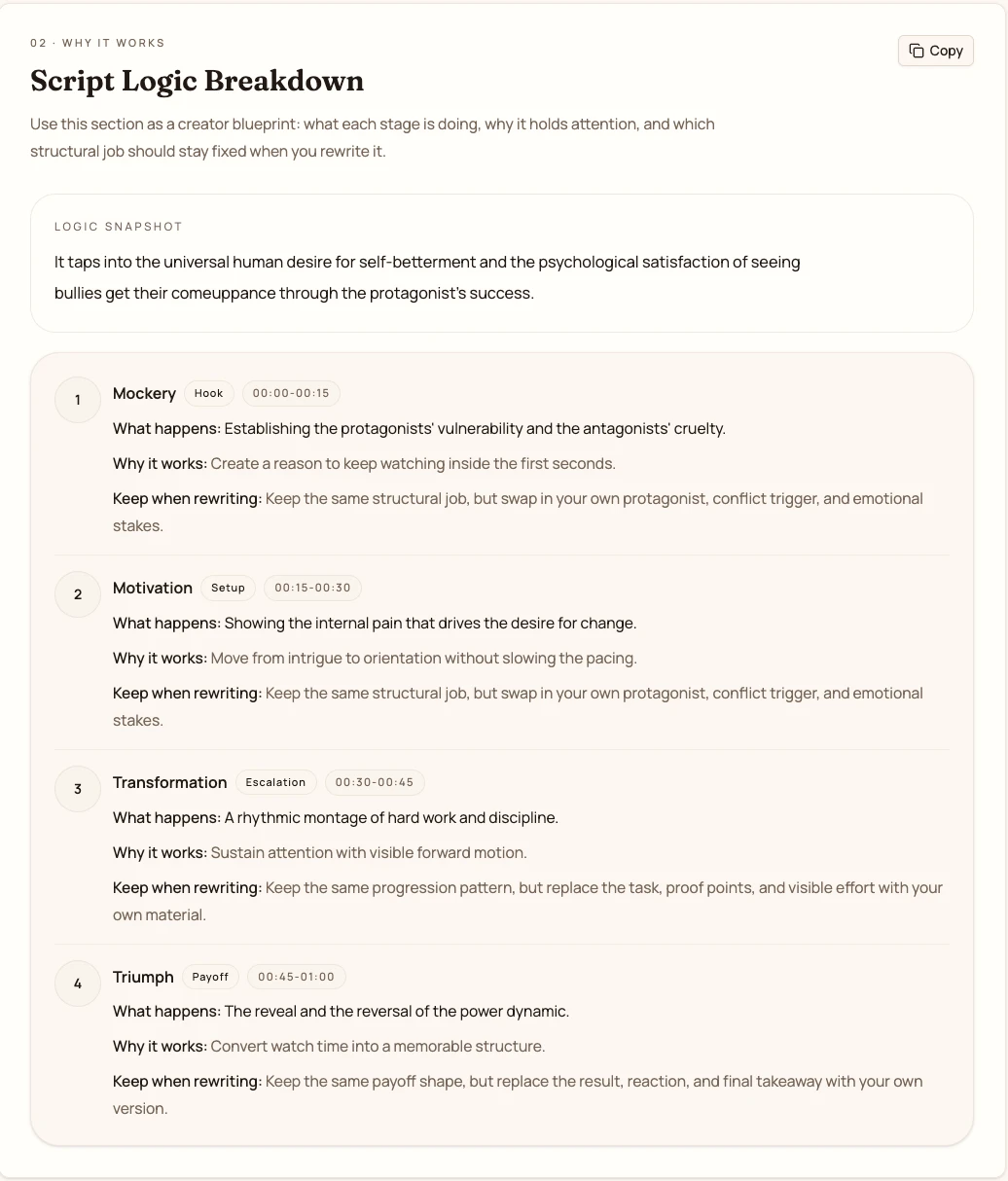
References, storyboard notes, prompt drafts, generated frames, and video clips stay together in the same project.
A visual board where references, prompts, storyboard blocks, and generated media stay in one place.
The hook, message, shot order, and pacing from the reference, separated into reusable pieces.
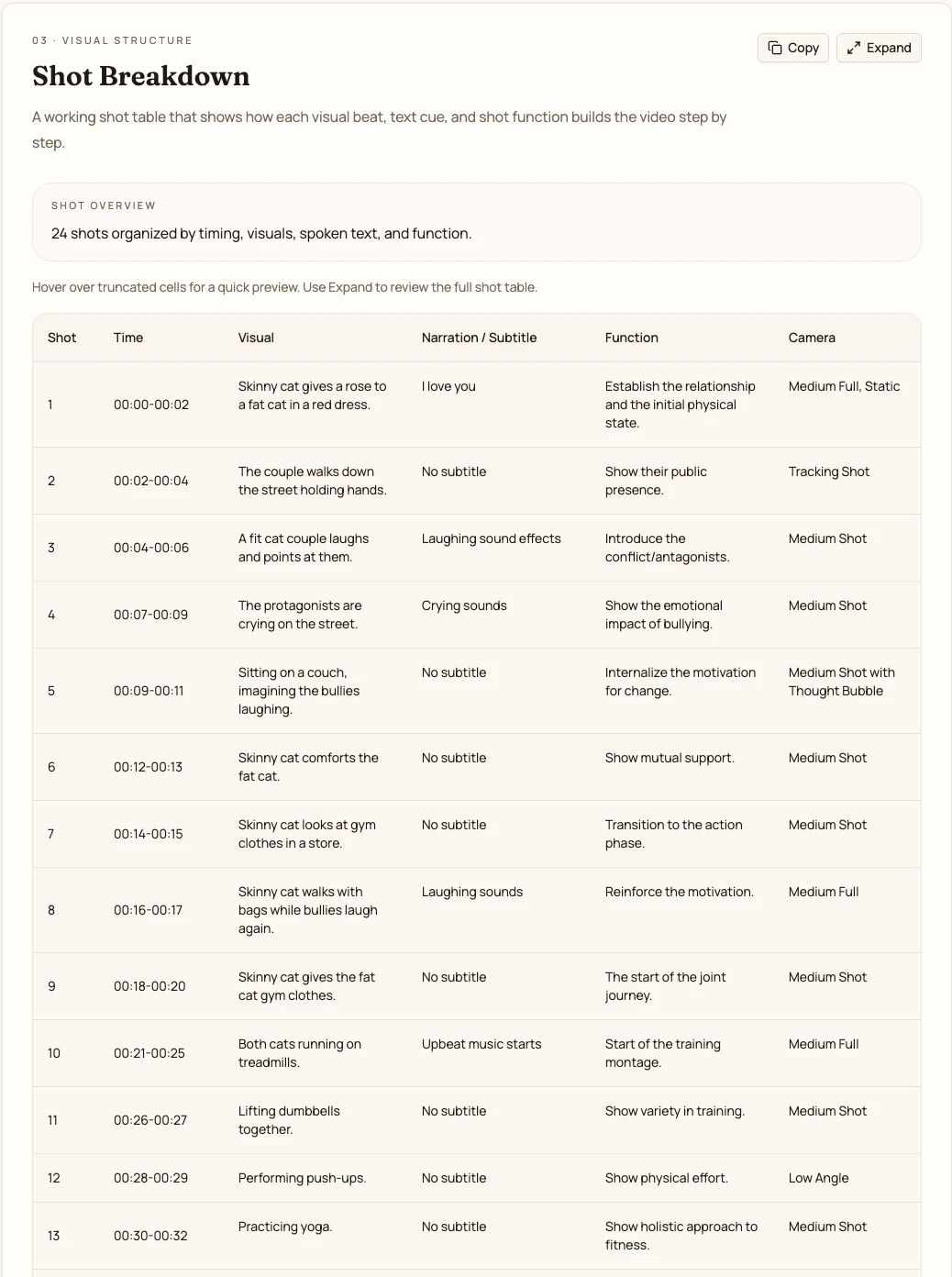
Shot beats with framing, subject action, camera direction, and pacing notes for the next version.
Editable prompts and connected image or video references that guide the next output.
A project history you can reopen, compare, and continue instead of losing good attempts.
Why ViraFlow
When every step lives in a different tab, you lose the reason each output was made. ViraFlow keeps the source, the prompt, the result, and the next variation connected on one project canvas.
Separate tools
References sit in folders and tabs
Prompts get copied by hand
Good outputs lose their context
ViraFlow Studio
Sources, prompts, and outputs share one board
Images and videos can feed the next step
Projects reopen with the full path intact
Built for creators
Short-form creators tired of keeping links, screenshots, and prompts in separate places
UGC ad makers testing new product angles from the same reference structure
YouTube Shorts creators turning one format into a reusable episode system
Solo founders turning product shots and rough ideas into demo videos
Creative teams that need references, outputs, and notes to stay together
Marketers comparing hooks, storyboards, prompts, and generated clips
AI video workflow guide
A useful workflow shows how the reference, script, prompt, generated frames, and final clip relate to each other.
Images, videos, and prompt drafts should feed the next generation without another upload, copy, or manual note.
A saved board lets you branch from the same source, compare attempts, keep the best output, and continue later.
FAQ
Build on one canvas
Paste a link, upload a clip, or open a blank board. ViraFlow keeps the analysis, storyboard, prompt, references, and generated media together so the workflow can keep moving.