 ViraFlow
01
Sharper text inside images
GPT Image 2 handles poster copy, packaging text, labels, and UI-style wording more cleanly than generic image models.
Use GPT Image 2 for text-to-image and image-to-image workflows inside ViraFlow, with cleaner edits, stronger text rendering, and polished campaign visuals.
开始你的视频创作之旅。
GPT Image 2 features
The page should quickly answer one thing: when should someone pick GPT Image 2 here? These are the strengths that matter most for real creative work.
01
GPT Image 2 handles poster copy, packaging text, labels, and UI-style wording more cleanly than generic image models.
02
Use GPT Image 2 image to image for recolors, replacements, layout refinements, and controlled updates that keep the original scene more stable.
03
GPT Image 2 is a practical fit for ads, social creatives, product mockups, merch visuals, launch graphics, and other commercial image work.
04
It is better suited to quick iteration when you need cleaner instruction following, tighter layout control, and faster turnaround across multiple prompt directions.
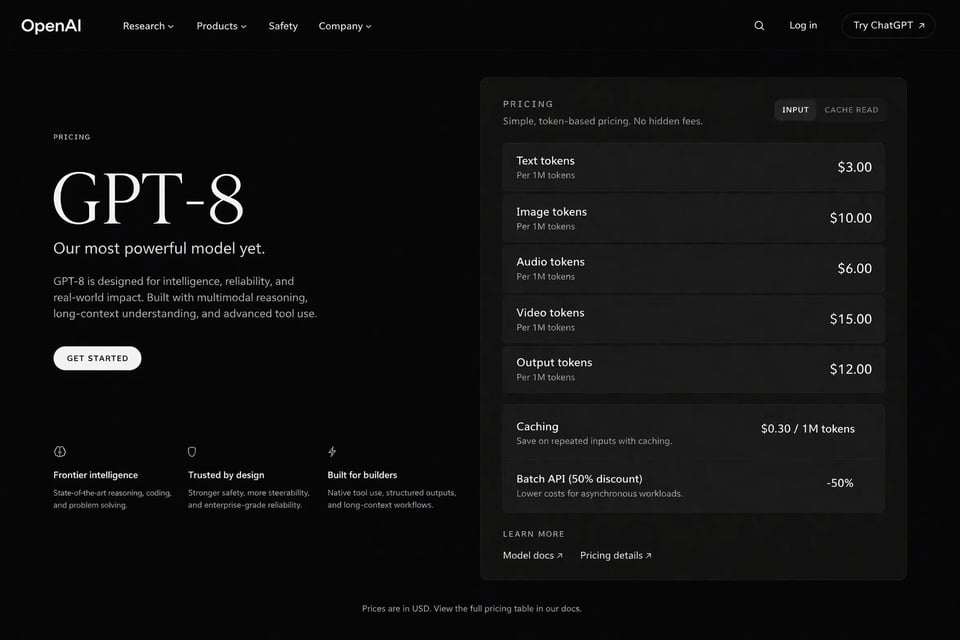
GPT Image 2 text rendering
Use GPT Image 2 when the image needs both visual impact and readable words. This is the strongest first-pass fit for launch posters, event banners, menu boards, and social graphics with headline text inside the frame.
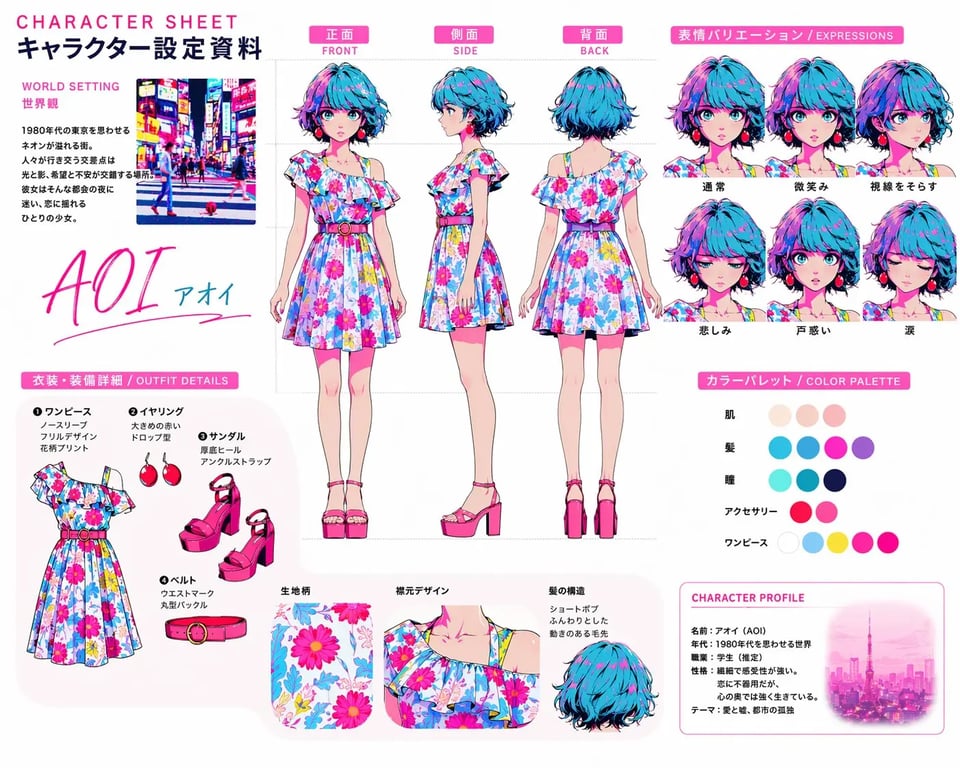
GPT Image 2 image to image
GPT Image 2 image to image is useful when you want to keep the overall scene but update key details. That makes it practical for product recolors, packaging swaps, object replacement, and ad cleanup work.
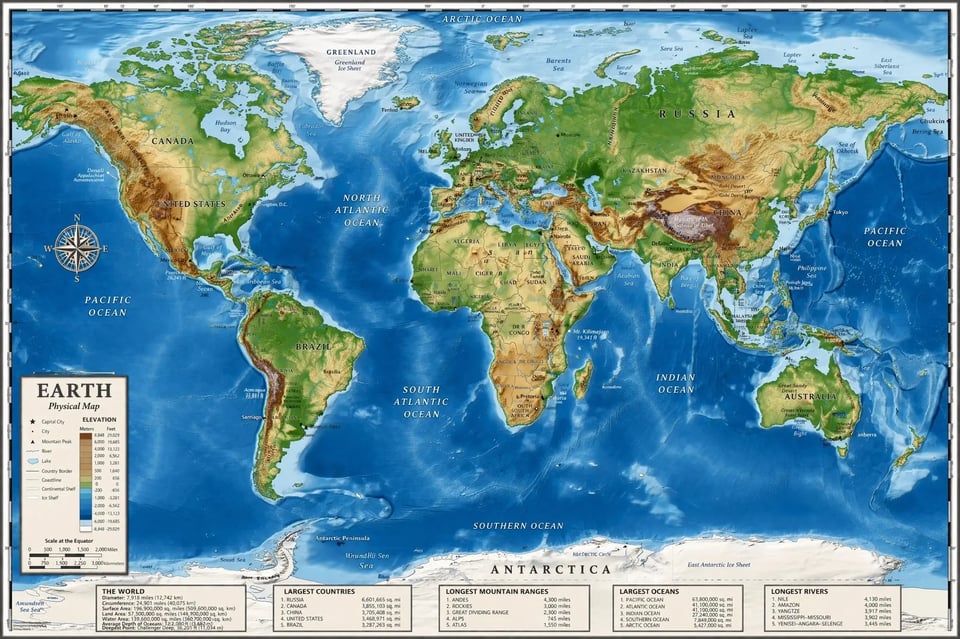
GPT Image 2 world-knowledge realism
This model is more useful when structure matters, not just style. It fits maps, educational visuals, architectural scenes, historical reconstructions, and other detail-sensitive outputs that need a more grounded read.
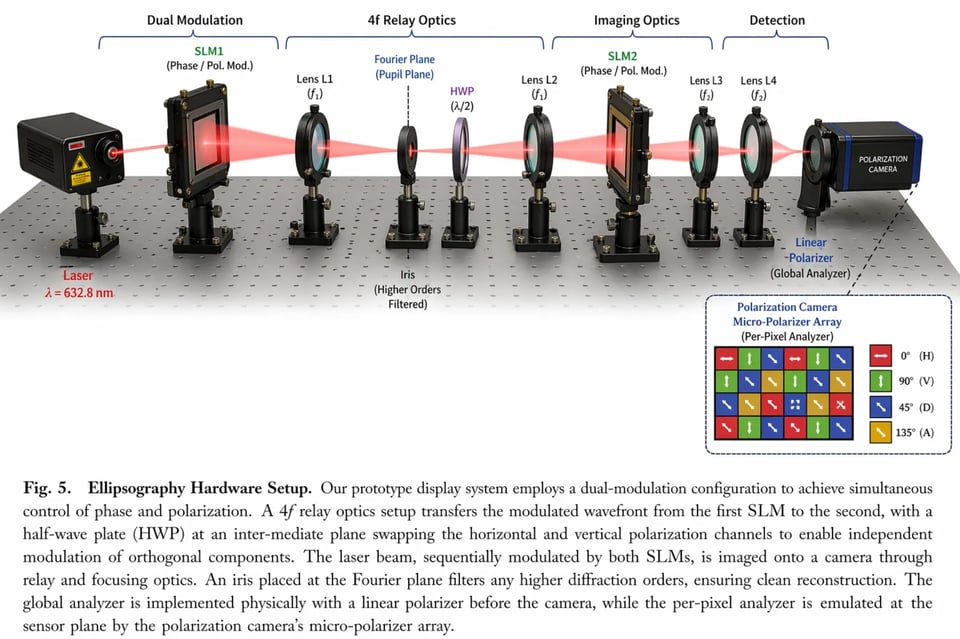
GPT Image 2 speed and prompt fidelity
GPT Image 2 is a better fit when you need fast iteration plus cleaner instruction following. That matters when you are comparing versions, refining campaign layouts, or testing layered multi-subject prompts.
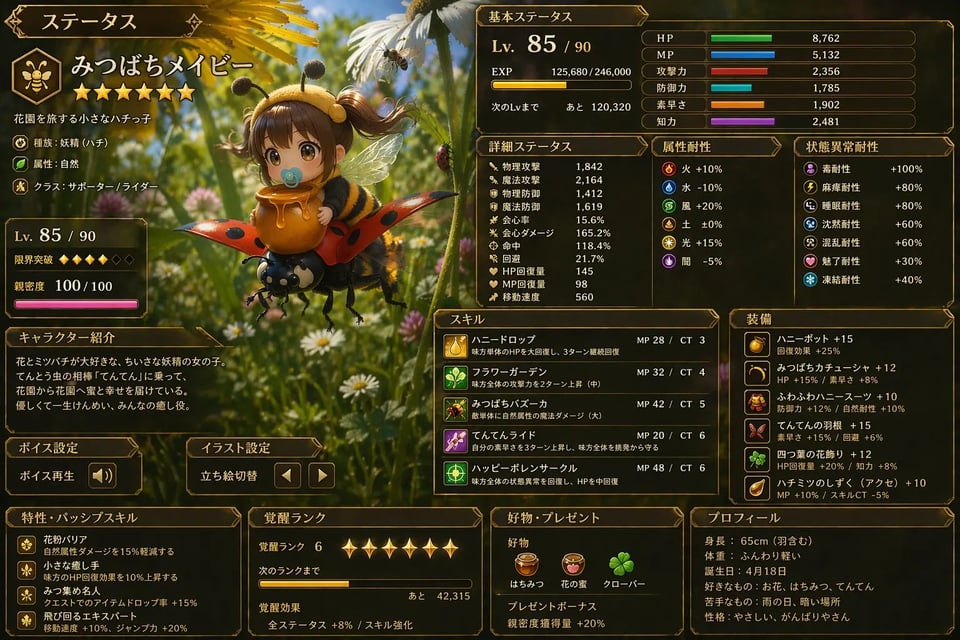
GPT Image 2 multilingual output
Use GPT Image 2 for localized ads, multilingual packaging, interface visuals, and global campaign assets where the text inside the image needs to feel like part of the final design.
Where GPT Image 2 fits
Use GPT Image 2 to produce storefront images, product mockups, recolors, packaging directions, and campaign-ready merch visuals.
GPT Image 2 works well for ad images, launch posters, social media graphics, and branded compositions that need readable copy.
Generate multiple GPT Image 2 directions quickly, then refine them with image references to get closer to a target style.
Create region-specific image variations with stronger multilingual text support for global campaign workflows.
How to use GPT Image 2
The page should guide people from first try to refined output without making the process feel technical.
Open GPT Image 2 in the work area and choose the way you want to begin. Use only text for fresh concepts, or add one or more images when you want tighter control.
Tell the model what should stay, what should change, and what kind of image you want back. This is especially useful for poster text, product edits, and branded campaign directions.
Keep iterating without jumping to another tool. You can move from a first draft to a more controlled image edit in the same generator area.
GPT Image 2 FAQ
GPT Image 2 in ViraFlow
Start with GPT Image 2 right away, use the same shared work area, and keep moving from first draft to polished image without switching to another page.